Picture this: You’re standing in your backyard, garden hose in hand, squinting at a patch of dirt where you hope a patio will go. You’ve got a head full of ideas, but every time you try to sketch them out, the lines blur and the vision slips away. If you’ve ever felt stuck between inspiration and execution, you’re not alone. That’s where exterior design software steps in—turning daydreams into clickable, drag-and-drop reality.
Why Exterior Design Software Matters
Let’s be honest. Most of us aren’t architects. We want to see what a new deck, fire pit, or pool will look like before we start digging. Exterior design software gives you that power. It’s like having a magic window into your future backyard. You can swap out pavers, test different paint colors, or even see how a Japanese maple would look next to your fence—all without breaking a sweat or the bank.
Here’s why this matters: Mistakes in outdoor projects cost real money. One wrong measurement, and you’re stuck with a crooked walkway or a patio that floods every time it rains. With exterior design software, you can experiment, make mistakes, and fix them with a click. No shovels required.
What Is Exterior Design Software?
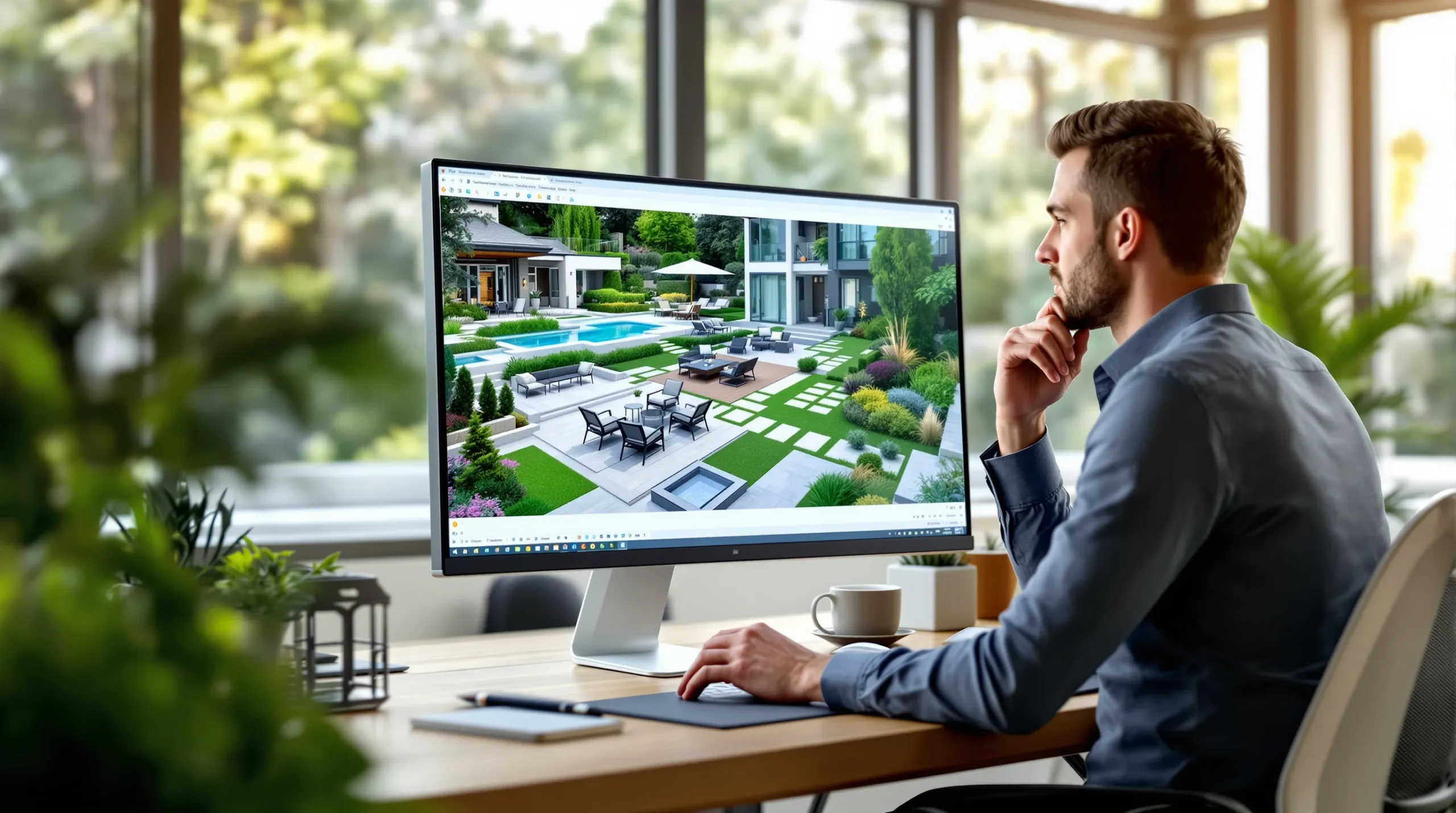
Exterior design software is a digital tool that lets you plan, visualize, and tweak outdoor spaces. Think of it as a sandbox for your yard. You can drag and drop plants, patios, fences, and even outdoor kitchens into a virtual model of your property. Some programs use 2D layouts, while others offer 3D walk-throughs so real you’ll want to reach out and touch the grass.
Most exterior design software comes with libraries of materials, plants, and furniture. You can try out different looks, compare options, and even get a sense of how sunlight will hit your new pergola at different times of day. Some tools even let you upload a photo of your actual house, so you’re not just guessing—you’re planning with precision.
Who Should Use Exterior Design Software?
If you’re a homeowner with a vision (or even just a Pinterest board), exterior design software is for you. It’s also a lifesaver for:
- DIYers who want to avoid expensive mistakes
- Gardeners planning new beds or water features
- Contractors who need to show clients what’s possible
- Real estate agents looking to boost curb appeal
But here’s the part nobody tells you: If you hate computers or get overwhelmed by too many options, some of these programs might feel like a chore. The best exterior design software keeps things simple, with drag-and-drop tools and clear instructions. If you’re looking for something that does all the thinking for you, you might want to hire a pro instead.
Features That Make a Difference
Not all exterior design software is created equal. Some are packed with features you’ll never use, while others keep it simple. Here’s what to look for:
- 3D Visualization: See your ideas from every angle. Walk through your future yard before you spend a dime.
- Material Libraries: Access thousands of plants, pavers, and outdoor furniture options. The more choices, the better.
- Photo Upload: Use a picture of your actual home for realistic planning.
- Sun and Shade Tools: See how light changes throughout the day. No more fried ferns or shady patios.
- Budget Estimators: Get a ballpark cost before you start shopping.
- Mobile Compatibility: Plan on your phone or tablet while standing in your yard.
Here’s a tip: Don’t get distracted by flashy features you’ll never use. Focus on what helps you make decisions faster and with more confidence.
Popular Exterior Design Software Options
Let’s break it down. Here are a few programs that get high marks from users and pros alike:
- SketchUp: Great for 3D modeling and detailed plans. Free and paid versions available.
- Home Designer Suite: User-friendly with lots of outdoor features. Good for beginners.
- Realtime Landscaping Architect: Packed with plant libraries and realistic visuals. Best for serious planners.
- iScape: Perfect for quick, mobile-friendly designs. Snap a photo, add features, and see instant results.
- SmartDraw: Simple drag-and-drop tools for patios, decks, and more.
Each has its quirks. SketchUp can feel overwhelming at first, but the learning curve pays off. iScape is fast and fun, but less detailed. Try a few demos before you commit.
Real Stories: Wins and Wipeouts
Here’s a confession: I once spent a weekend building a stone path, only to realize it pointed straight into a mud puddle every time it rained. If I’d used exterior design software, I could’ve spotted the problem in minutes. Instead, I spent hours with a shovel and a sore back.
On the flip side, my neighbor used a free app to plan her vegetable garden. She mapped out sun patterns, tested different layouts, and even calculated how many tomato plants would fit. Her harvest? Enough to supply the whole block. The difference? She planned before she planted.
Tips for Getting the Most from Exterior Design Software
- Start with a photo: Use your own yard as the base for your design. It’s more motivating and realistic.
- Set a budget: Most software lets you track costs. Don’t fall in love with a $10,000 patio if you’ve got $1,000 to spend.
- Play with options: Try wild ideas. Want a koi pond? Add it. Hate it? Delete it. No regrets.
- Check sun and shade: Use built-in tools to see how your space changes throughout the day.
- Save versions: Keep different drafts so you can compare ideas or show them to friends.
Here’s the secret: The more you play, the better your final plan will be. Don’t rush. Enjoy the process.
What the Pros Won’t Tell You
Most contractors love when clients use exterior design software. It means fewer surprises and clearer communication. But here’s the catch: Some pros might feel threatened if you show up with a detailed plan. Don’t let that stop you. Use your design as a starting point for collaboration, not a final blueprint.
If you’re working with a designer, share your ideas early. Good pros will appreciate your vision and help you refine it. Bad ones? Well, maybe it’s time to find someone who listens.
Is Exterior Design Software Right for You?
If you love tinkering, experimenting, and seeing your ideas come to life, exterior design software is a no-brainer. It’s for anyone who wants to avoid expensive mistakes and get excited about their outdoor space. If you’d rather hand off the whole project, that’s fine too. But even then, a quick sketch in an app can help you communicate what you want.
Here’s the bottom line: Your outdoor space is too important to leave to chance. With the right exterior design software, you can plan, play, and create a space you’ll love—without the guesswork or the backache.
About The Author